
IP-COM Eclipse Tools AVE Thinkware Power
Filter

- $399.99SKU: TWA-EXBH2
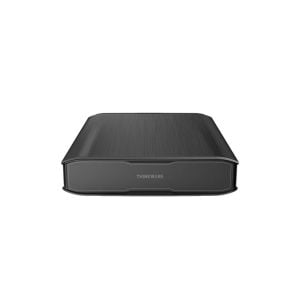
Thinkware TWA-EXBH2 iVolt Xtra Battery Pack
- With a capacity of 7500mAh / 96Wh, iVolt Xtra gives your Thinkware 2-channel dash cam 66% more power than the iVolt mini and a long run time of up to 27 hours* while in Motion Detection Parking Mode
- In Energy Saving Mode, the battery can power the dash cam for up to 960 hours (40 days)* so that your dash cam doesn't miss an incident while parked for long durations
- Accompanying the iVolt Xtra is its app, which allows you to check the battery's status, performance, and temperature
- Battery features built-in Bluetooth for easy pairing with your smartphone
- Despite having a higher capacity than iVolt mini, iVolt Xtra can be fully charged in as little as 55 mins*, thanks to the Fast Charging feature
$399.99Low Price Guarantee - $369.99SKU: TWA-EXBH
Thinkware TWA-EXBH iVolt Mini Battery Pack
- Allows dash cam to remain in Parking mode for up to 27 hours, or 16 hours with a rear cam added
- Fully recharged in 45 minutes while driving
$369.99Low Price Guarantee - $66.00$66.00Low Price Guarantee
- $38.78SKU: PSE30G-AT
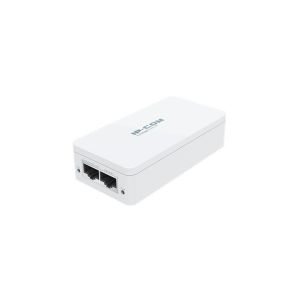
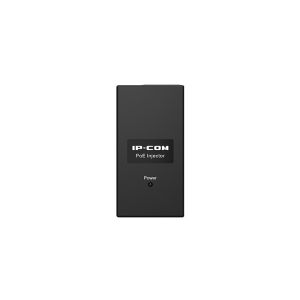
IP-COM PSE30G-AT 802.3at Gigabit PoE Injector
- Compatible with IEEE802.3, IEEE802.3u, IEEE802.3ab, IEEE802.3af, IEEE802.3at Standard
- Transmission distance up to 100 Meters Overvoltage, overcurrent and overload protection Plug and play
$38.78Low Price Guarantee - $213.41SKU: 902-627
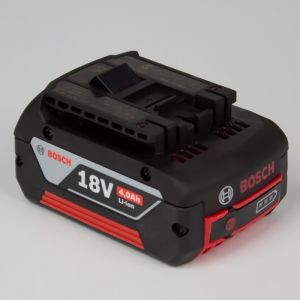
Eclipse Tools 902-627 Replacement Battery for 902-626, 4 Ah Li-Ion
- Replacement Battery for 902-626, 4 Ah Li-Ion)
$213.41Low Price Guarantee - $119.00SKU: 902-484-BATTERY
Eclipse Tools 902-484-BATTERY Spare Battery for Battery Operated Hex Crimper
- Spare Battery for Battery Operated Hex Crimper, 902-599/600/605)
$119.00Low Price Guarantee - $54.77SKU: 902-562
Eclipse Tools 902-562 Spare Battery
- Spare Battery, 4.0Ah, Li-Ion for 902-493 & 902-494 Cordeless Drills)
$54.77Low Price Guarantee - $32.54SKU: 5PT-1206-BAT
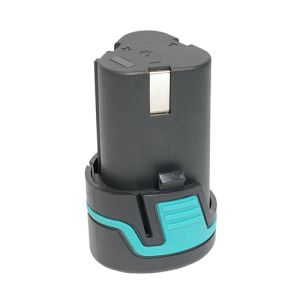
Eclipse Tools 5PT-1206-BAT 12V Li-Ion Battery Pack for Models PT1206A, PT1207A, and PT1210A
- Replacement Li-Ion Battery
- 12V
- For use with Models PT-1206A, PT-1207A, and PT-1210A Cordless Tools
$32.54Low Price Guarantee - $14.99SKU: PSE15F
IP-COM PSE15F 10/100Mbps PoE Injector
- Output voltage:48 v, DC current: 400 ma
- The maximum transmission power of 15.4 W
- 2 x100mbps LAN
- Two RJ - 45 port, support 10/100 MBPS link rate
- Power supply and data transmission distance up to 100 m
$14.99Low Price Guarantee




Power Supply Frequently Asked Questions
What is a power supply for surveillance cameras?
A power supply for surveillance cameras is a device that provides the necessary electrical power to operate the cameras. It converts the electrical voltage from a wall outlet to the specific voltage required by the cameras, ensuring they function correctly and consistently.
How do I choose the right power supply for my surveillance system?
To choose the right power supply, consider the voltage and current requirements of your surveillance cameras. Check the specifications to ensure compatibility. Additionally, factor in the number of cameras you will be connecting to the power supply to ensure it can handle the total load.
What is the difference between a standard power supply and a UPS for surveillance systems?
A standard power supply provides continuous power to surveillance cameras, while an uninterruptible power supply (UPS) offers backup power during outages. A UPS ensures that cameras remain operational during power failures, providing added security and preventing data loss.
Can I use a power supply with multiple cameras?
Yes, you can use a power supply with multiple cameras, provided it has enough power output to support the total current draw of all connected cameras. It is essential to check the power supply's specifications and the cameras' requirements to ensure proper functionality.
What should I do if my surveillance camera is not getting power?
If your surveillance camera is not getting power, first check the power supply connections to ensure they are secure. Verify that the power supply is functioning correctly and providing the required voltage. If issues persist, consider inspecting the camera for faults or refer to the manufacturer’s warranty page for further assistance.
Filter
Now Shopping by
Shopping Options 